Ihr perfekter Rechenbegleiter auf iOS.
Bereichern Sie Ihr iPhone und iPad mit unserer schön gestalteten, kostenlosen Rechner-App.

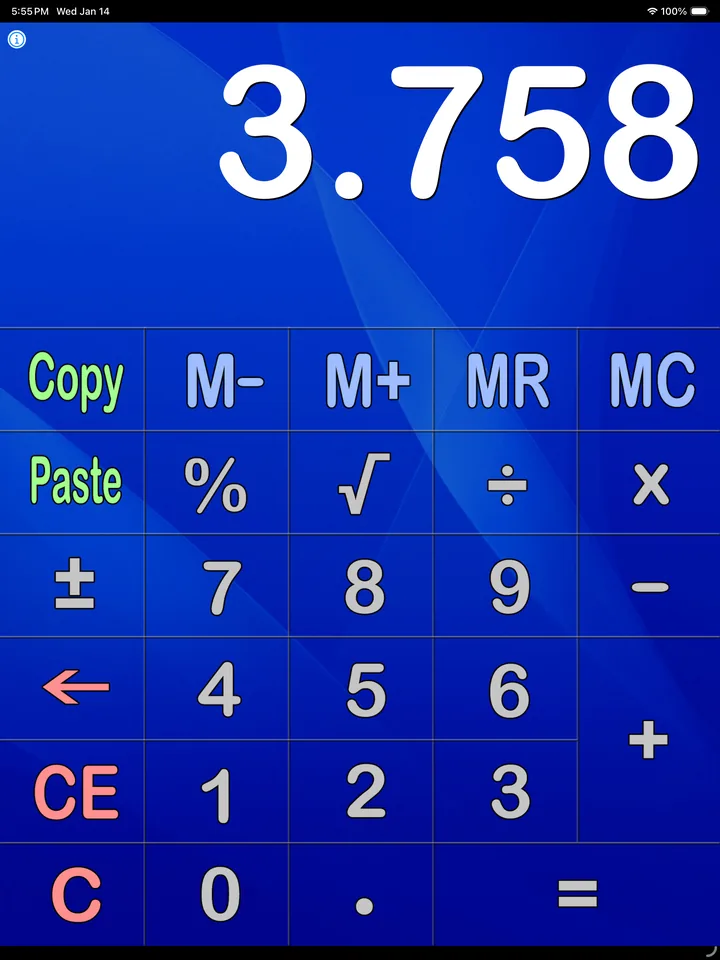
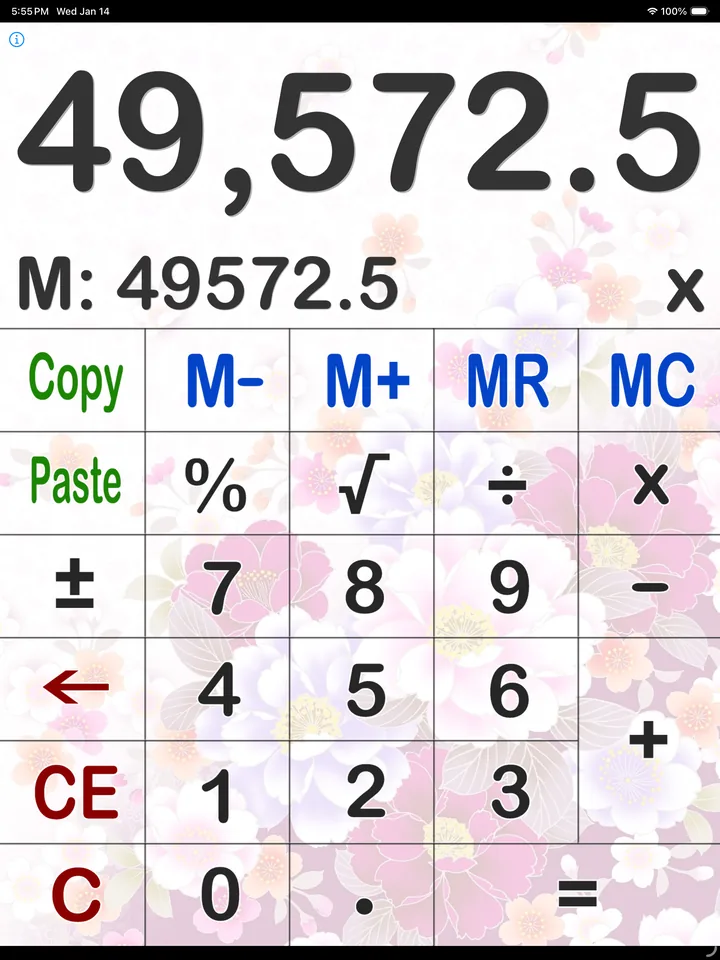
Große Tasten für iPad
Einfach anpassen
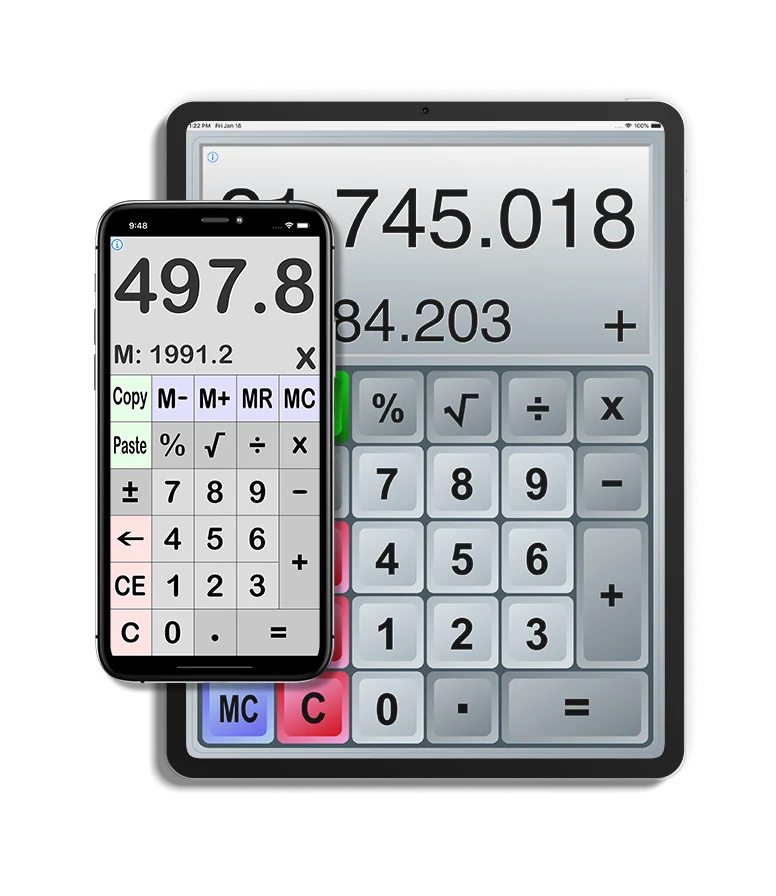
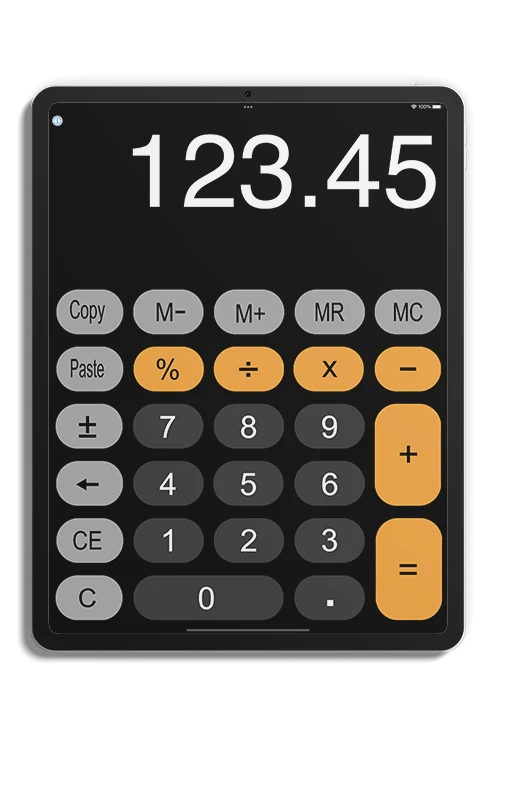
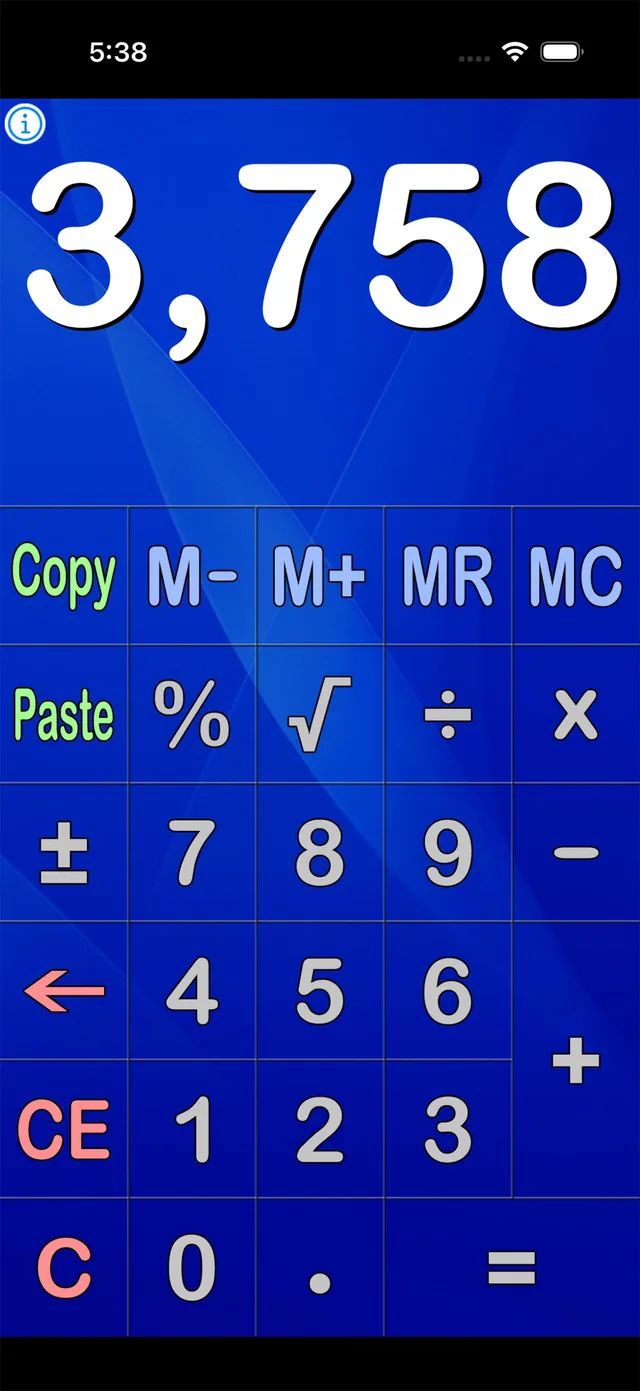
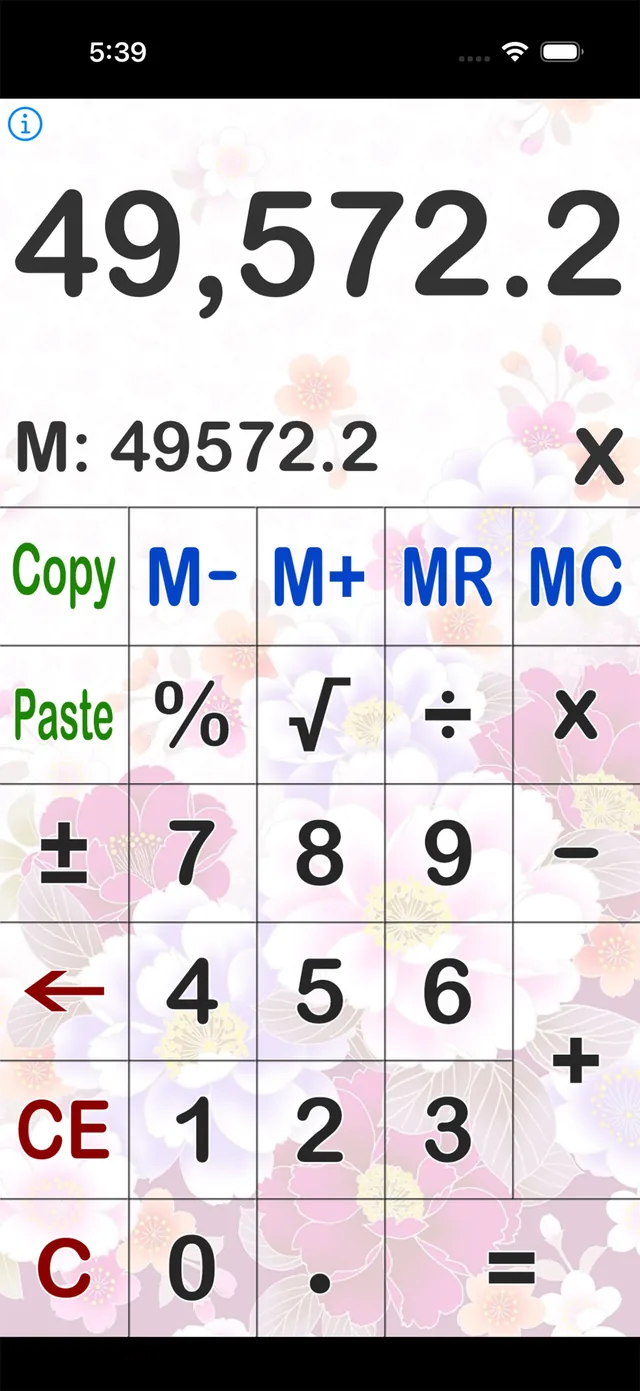
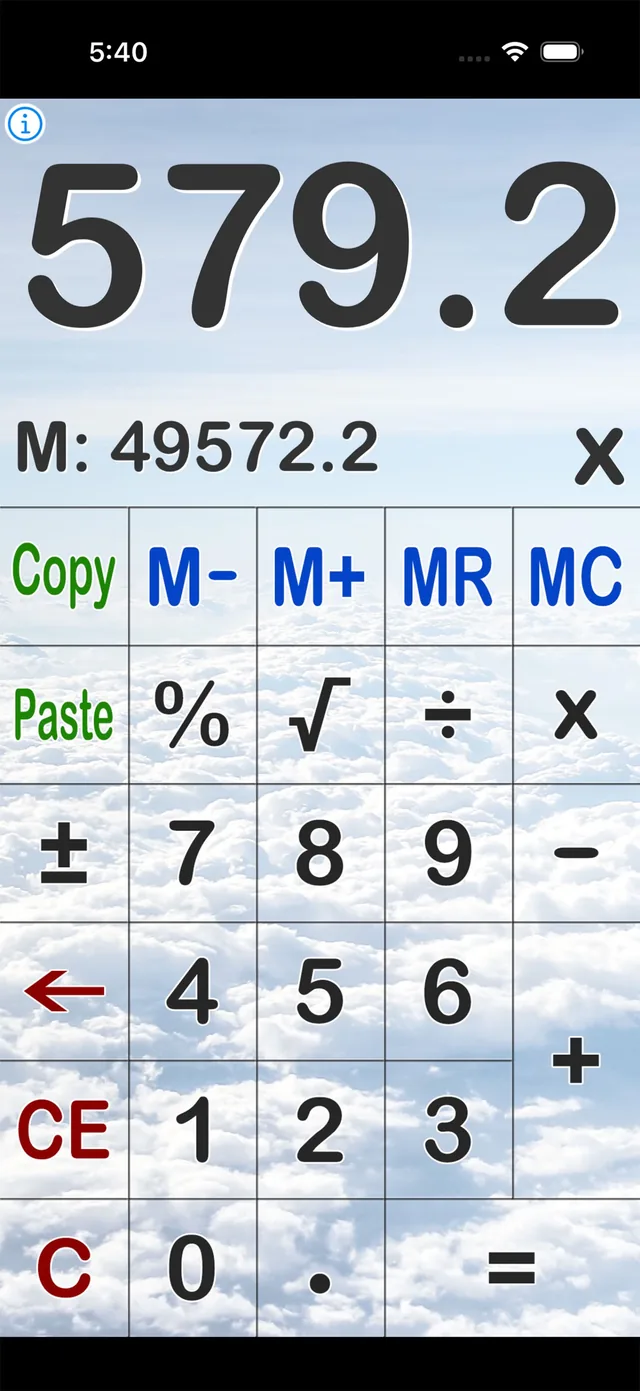
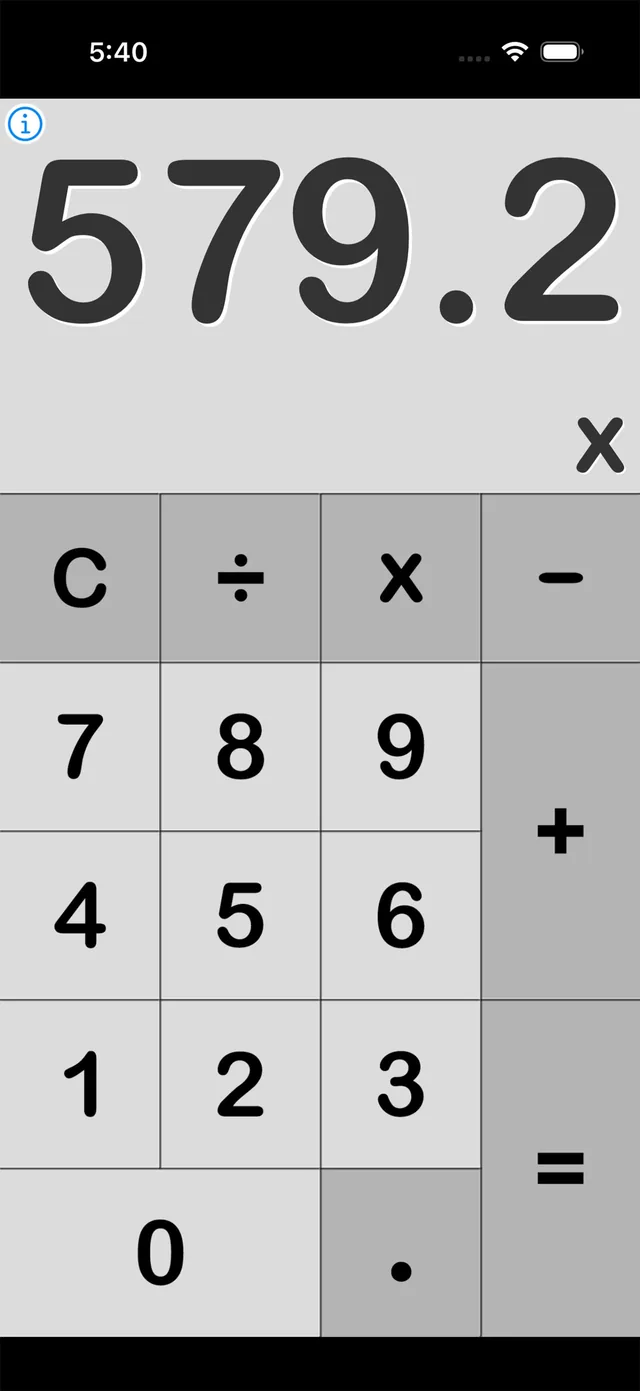
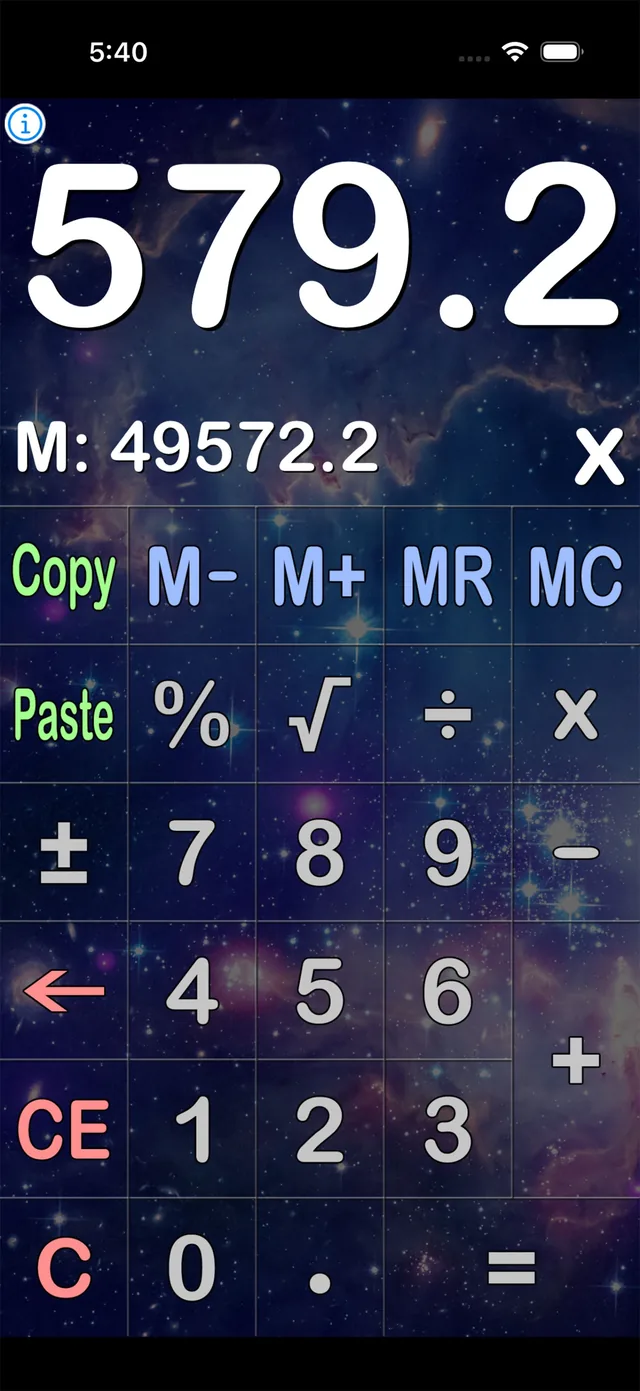
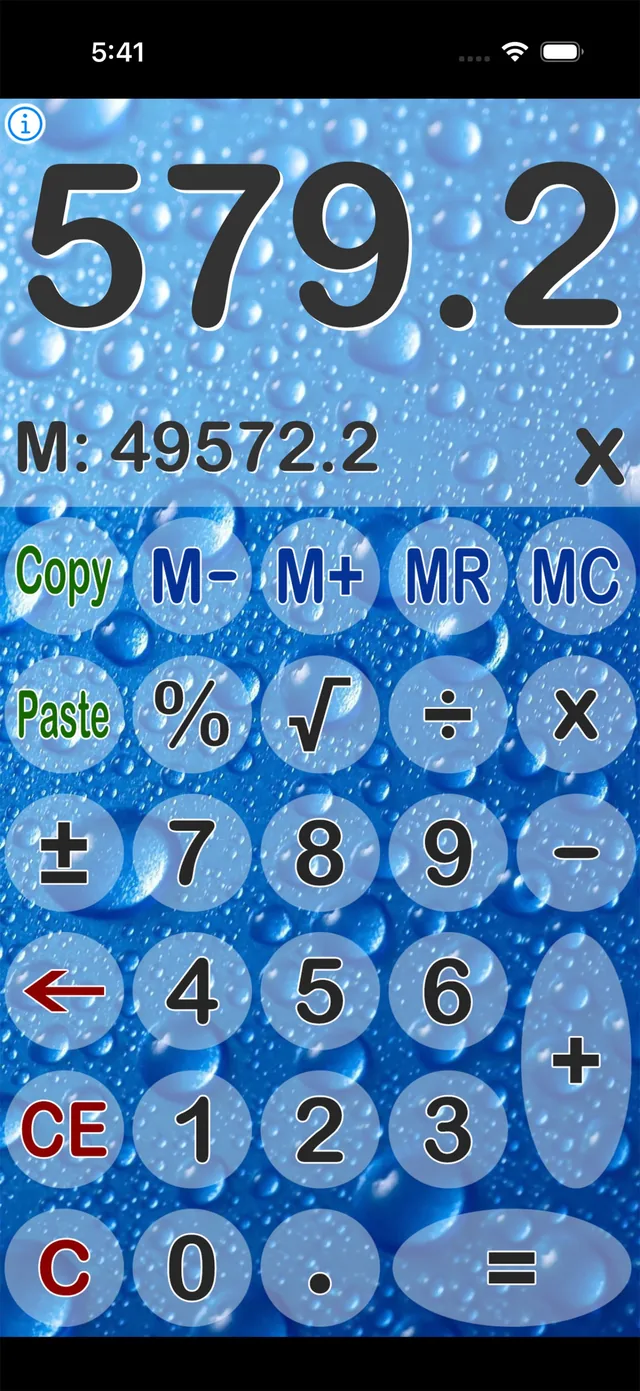
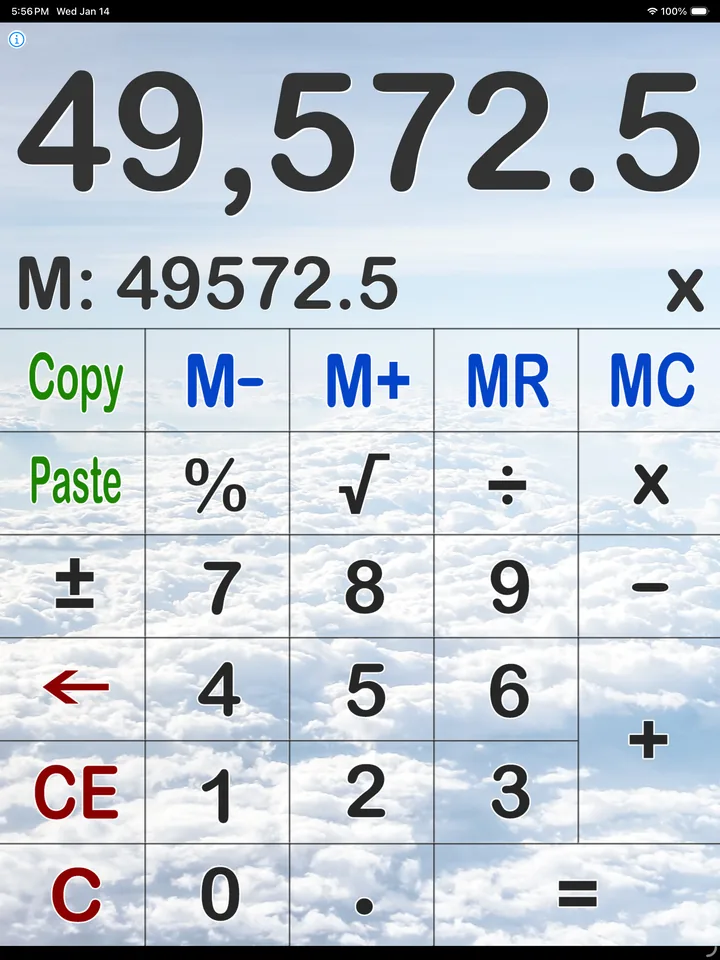
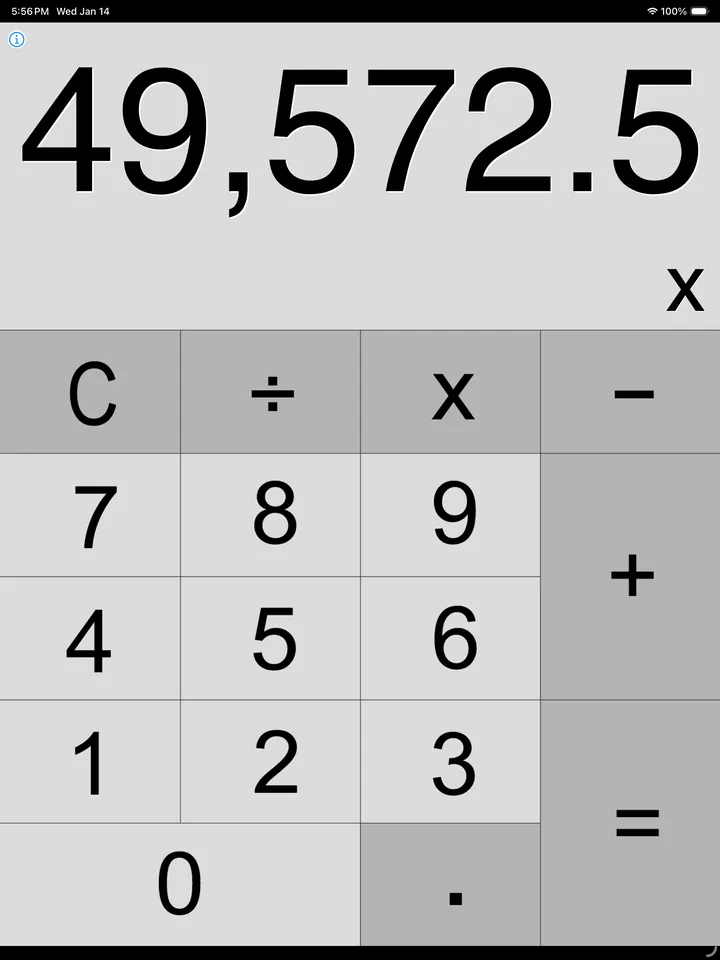
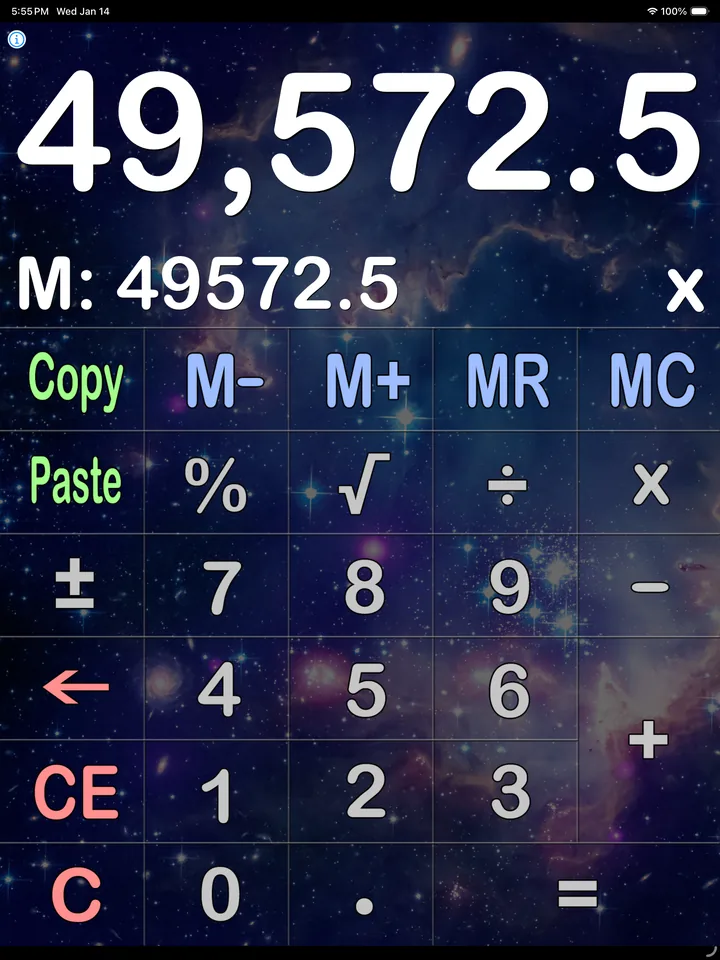
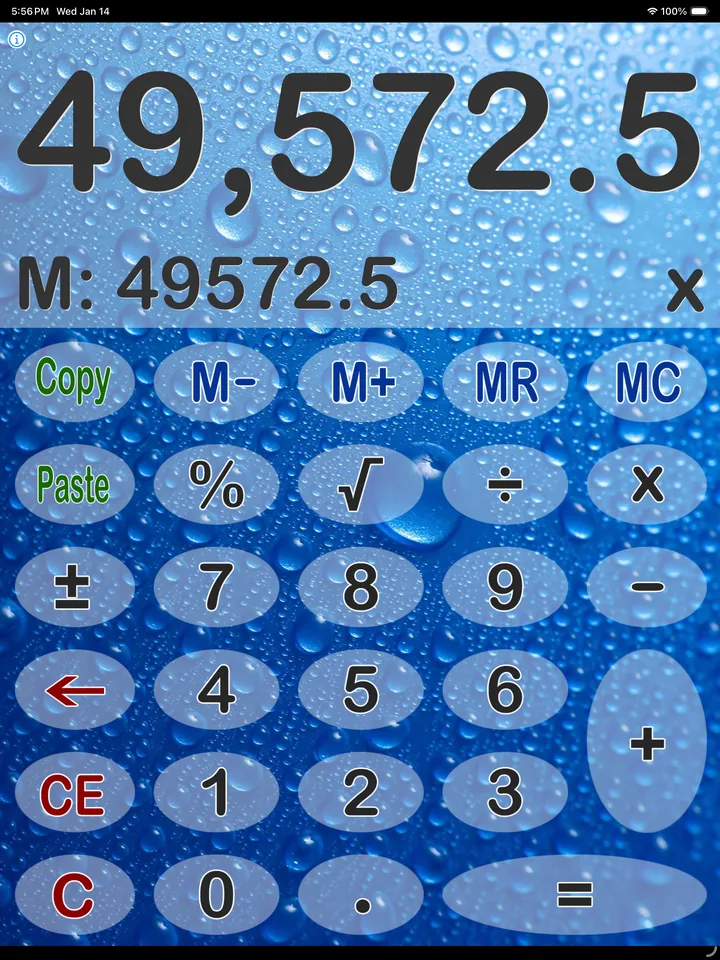
Viele hübsche Skins.
Wählen Sie aus einer umfangreichen Sammlung von Skins – von minimalistisch und sachlich bis farbenfroh und verspielt.
- 12 Skins für iPhone
- 17 Skins für iPad
- Animierte Tastendrücke
- Hoch- und Querformat auf dem iPad
Erweiterte Speicherfunktionen
Standardspeicherfunktionen.
Zwischenergebnisse speichern, bei Bedarf abrufen und zum gespeicherten Wert addieren oder davon subtrahieren – ohne die Rechnung zu verlassen.
Was die App kann
Alles, was ein Rechner können sollte.
Die vollständige Funktionsliste, direkt aus dem App Store.
- Funktioniert sowohl in der Hochformats- als auch in der Querformatsausrichtung
- Mehrere hübsche Skins
- Allgemeine Berechnungen: Addieren, Subtrahieren, Multiplizieren, Dividieren, Quadratwurzel ziehen
- Standardspeicherfunktion: Addition speichern, Subtraktion speichern, Speicher löschen
- Tausender Separator-Option
- Kann sehr hohe Zahlen bearbeiten - mit bis zu 60 Ziffern! (zeigt sie nie in wissenschaftlicher Schreibweise an)
- Große, einfach zu drückende Buttons
- Kopieren-/Einfügen-Buttons
- Tastaturtöne-Effekt
In Aktion
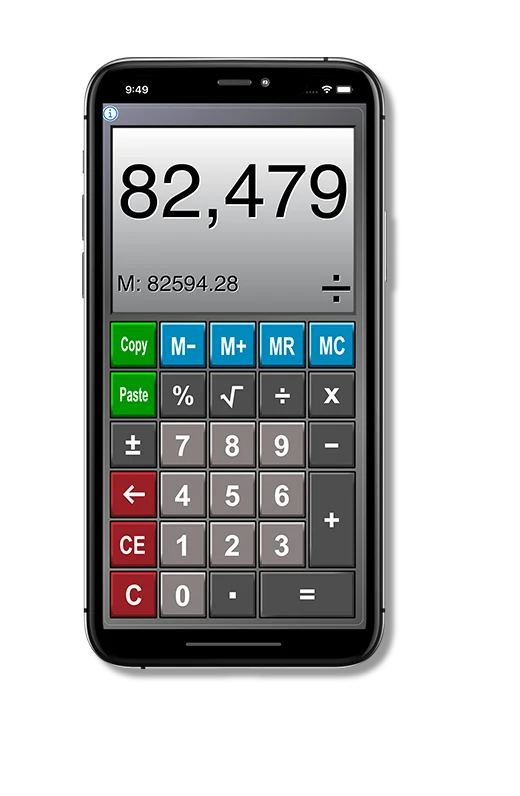
Ein Skin für jeden Bildschirm.
Derselbe Rechner in sechs Gewändern – auf dem iPhone und auf dem iPad.
- 15+Im App Store
- 137K+Downloads insgesamt
- 17Rechner-Skins
- ★ 4.8Bewertung im Schnitt
Was Nutzer sagen
Bewertet von denen, die täglich damit rechnen.
Auf Grundlage der Bewertungen im App Store · ★ 4.8
Best calculator I’ve found!
I've tried dozens of calculators for simple four-function calculations, and this one beats them all hands down. Beautiful display – I can't say enough good things about it. Thank you, developer!
Great calculator for iPad
Love this calculator for my iPad mini. It has several themes and works great every time I open it.
Perfect for everyday use
This basic calculator app is everything I need for my day-to-day calculations. It's super easy to use, with a clean and straightforward interface that makes inputting numbers a breeze. I've never experienced any crashes or glitches, and the app runs smoothly every time.
Best simple calculator, and here’s why
It has full memory buttons. There’s no excuse for a calculator not to have them, but many don’t. It also displays the value of the memory which comes in very handy. On top of that, it has easy cut and paste buttons, which also come in very handy.
Great user interface!
The app has a clean, visually appealing, and easy-to-navigate user interface that makes it simple to use and enjoyable for the user.
Simple and efficient
This basic calculator app is a must-have for anyone who needs a quick and easy way to perform calculations. The user interface is clean and intuitive, making it incredibly easy to use.
Rezensionen werden in der Sprache zitiert, in der sie verfasst wurden.
Ihr perfekter Rechenbegleiter auf iOS.